
Guide Chapters
Product support / Chapter 09
9. Metadata Workspace
Use the Metadata workspace to compare application structure, review mappings, and export metadata findings.
The Metadata workspace focuses on metadata objects rather than data values. Use it when you need to compare structures, review mappings, or export catalogs.
9.1 Metadata vs Metadata
Use Metadata vs Metadata to compare two sets of metadata and produce a structured difference workbook.
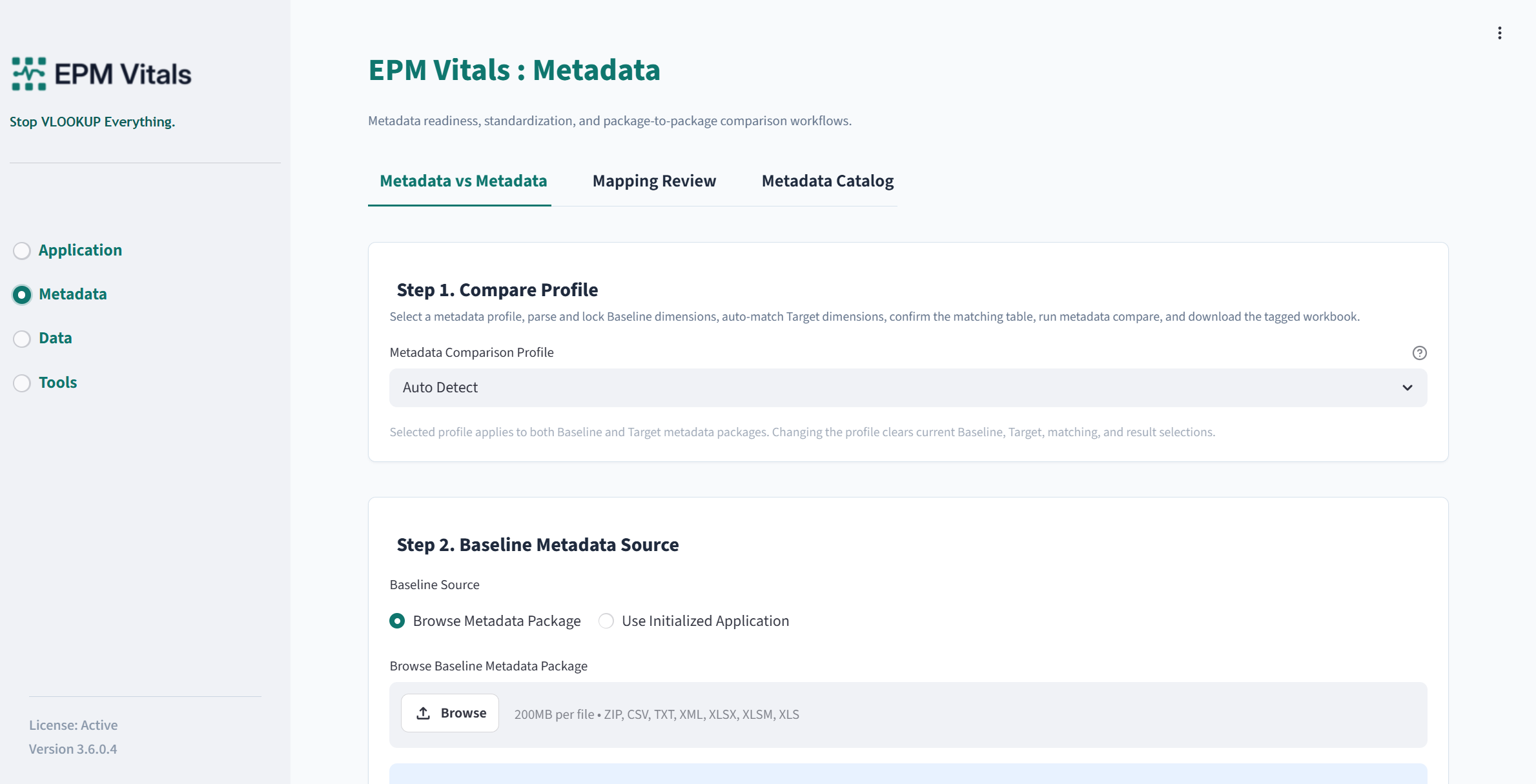
Inputs:
- Source metadata package.
- Target metadata package.
- Application Profile or dimension mapping where applicable.
Key buttons:
Generate Mapping DraftDownload Member Mapping DraftApply Dimension MappingRun Metadata CompareDownload ResultOpen Run FolderDownload Config
Recommended workflow:
- Upload the source metadata.
- Upload the target metadata.
- Generate a mapping draft.
- Review and apply dimension mapping.
- Run metadata comparison.
- Review additions, missing items, property differences, and mapping review items.
- Download the result workbook and config.
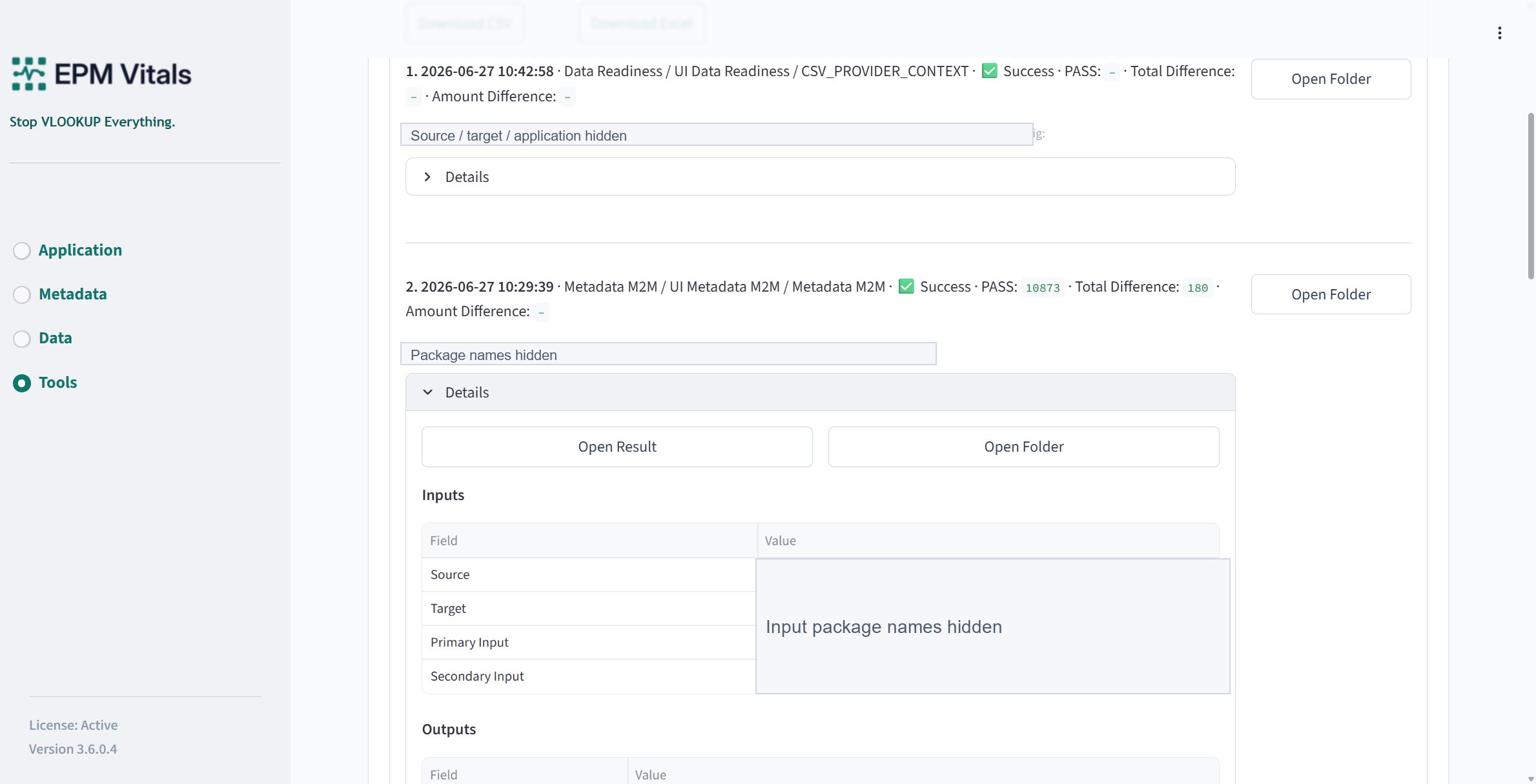
Outputs:
- Metadata comparison workbook.
- Mapping draft.
- Review queue.
- Run folder and history entry.
9.2 Mapping Review
Use Mapping Review to review generated or maintained member mappings.
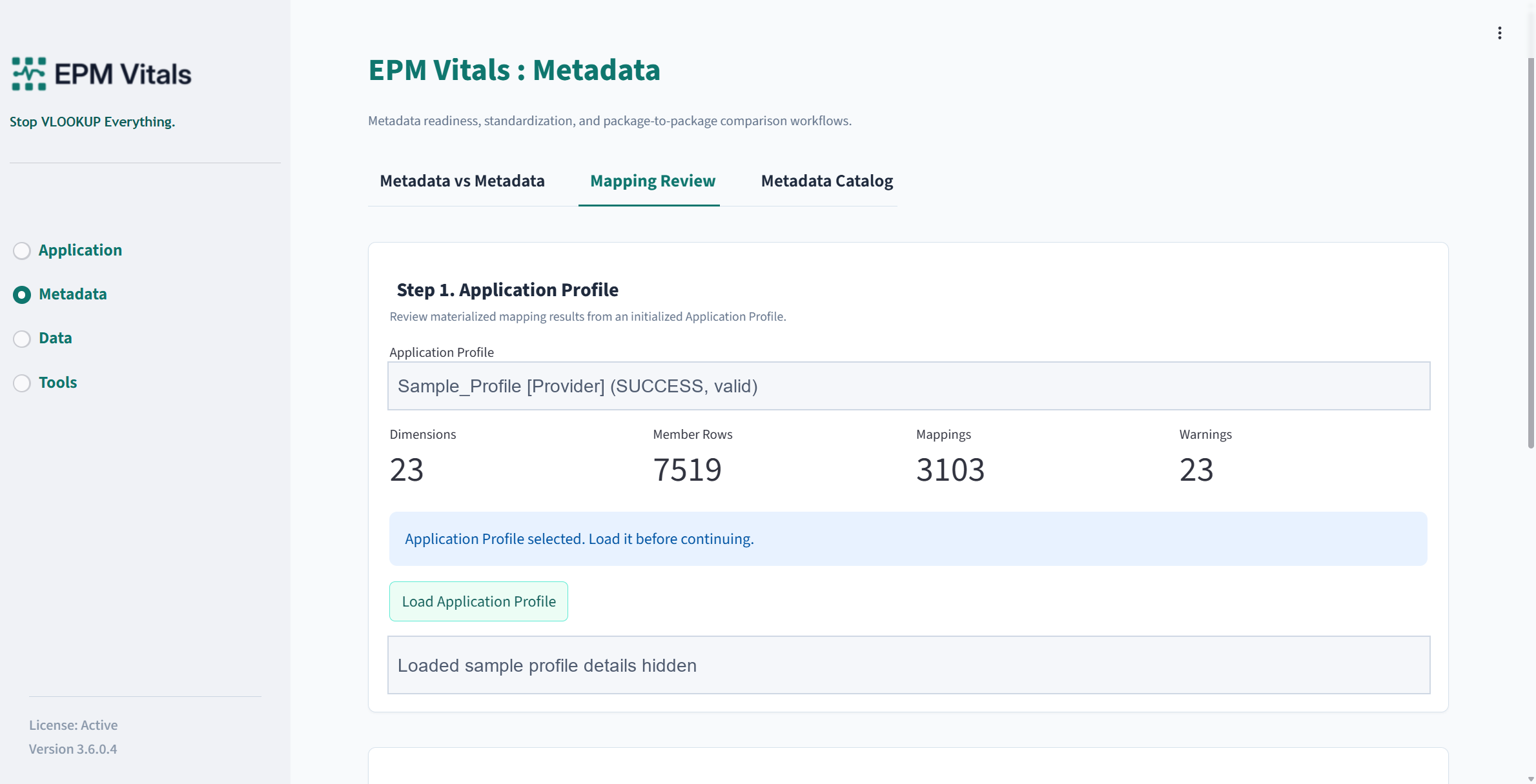
Inputs:
- Application Profile.
- Mapping workbook where supported.
Recommended workflow:
- Select or load an Application Profile.
- Review dimension mapping and member mapping tables.
- Filter items that require review.
- Download the current mapping or raw mapping table for offline confirmation.
Outputs:
- Current mapping export.
- Raw mapping export.
- Review-ready mapping tables.
9.3 Metadata Catalog
Use Metadata Catalog to inspect and export metadata objects from an Application Profile.
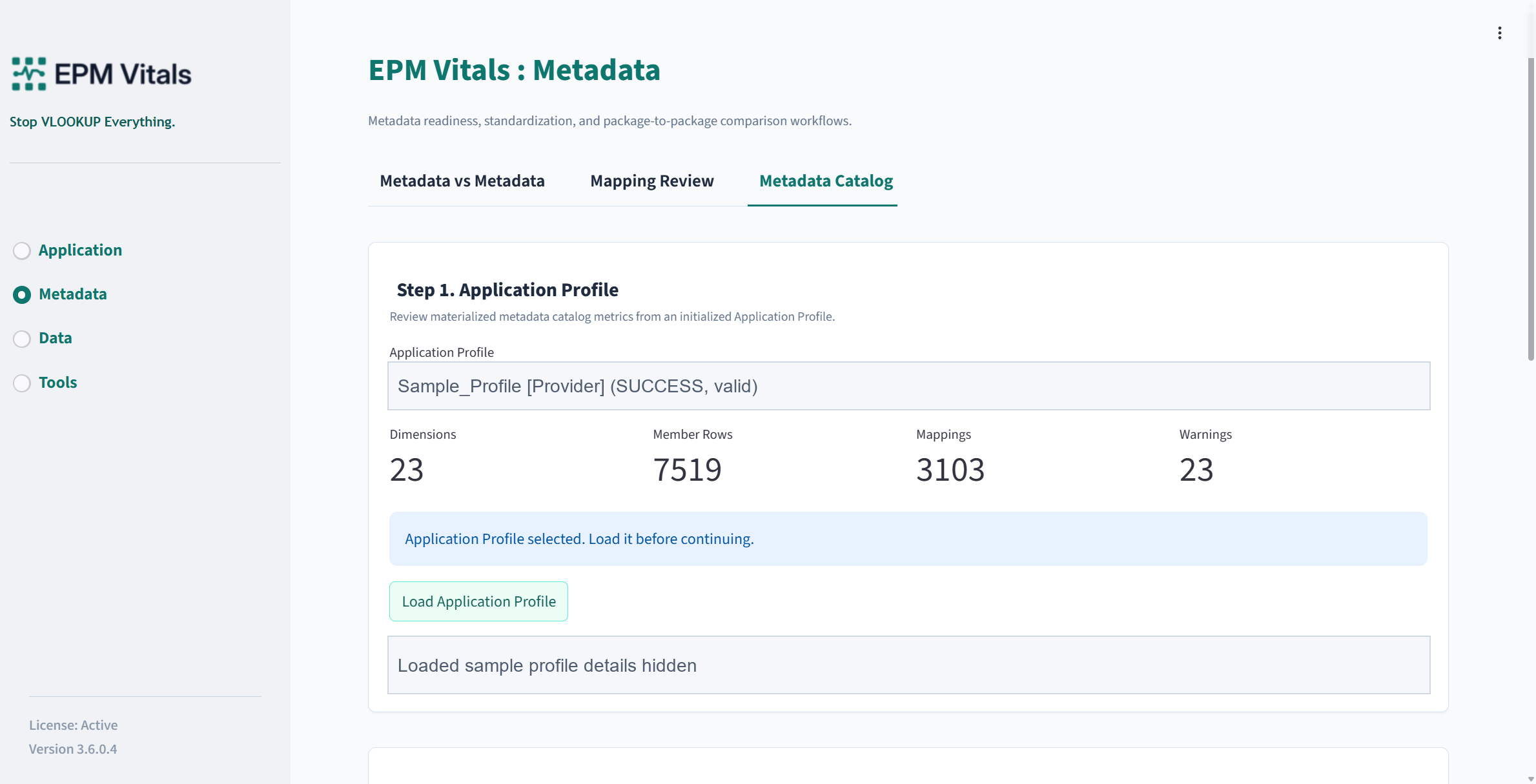
Inputs:
- Application Profile.
Recommended workflow:
- Select or load an Application Profile.
- Review dimensions, members, properties, hierarchy, and object lists.
- Download the catalog workbook.
Outputs:
- Metadata catalog workbook.
- Local profile-derived metadata view.