
Guide Chapters
Product support / Chapter 06
6. License Activation
Activate, replace, or troubleshoot a local EPM Vitals license with a machine request and license file.
Activate a local license
Use License Activation to activate, replace, or troubleshoot the local license. The license process is designed for local use and can be completed through a machine request file and a license file.
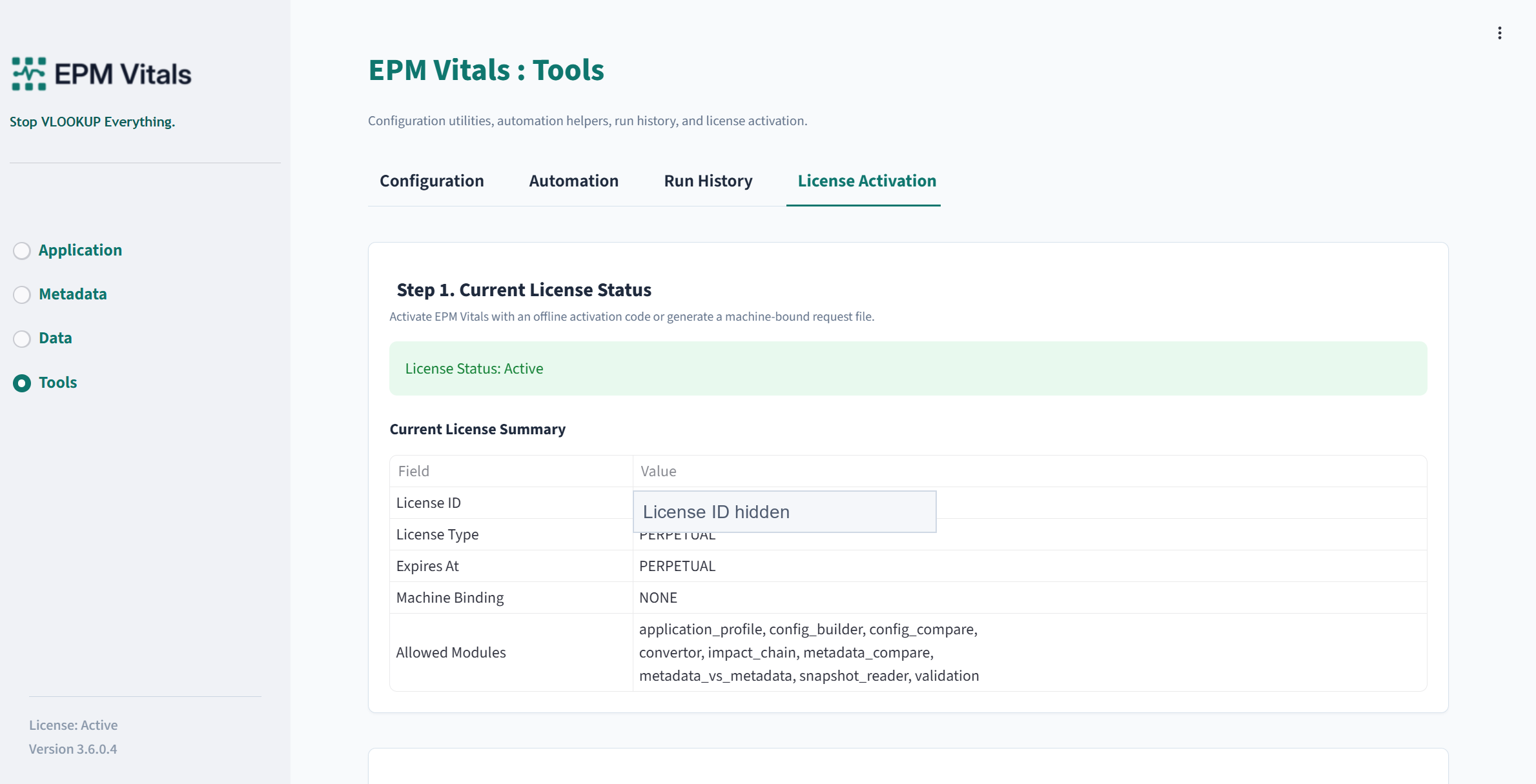
Key activation actions
Key actions:
- Generate a machine request.
- Download
SHUMAI_Machine_Request.txt. - Activate the license file.
- Confirm module availability.
Recommended activation workflow
Recommended workflow:
- Open
Tools > License Activation. - Generate the machine request file.
- Send the machine request to support@epmvitals.com if instructed.
- Import the license file provided by support.
- Confirm that the required modules are available.
After activation, the module access panel should show the activated status and available modules.
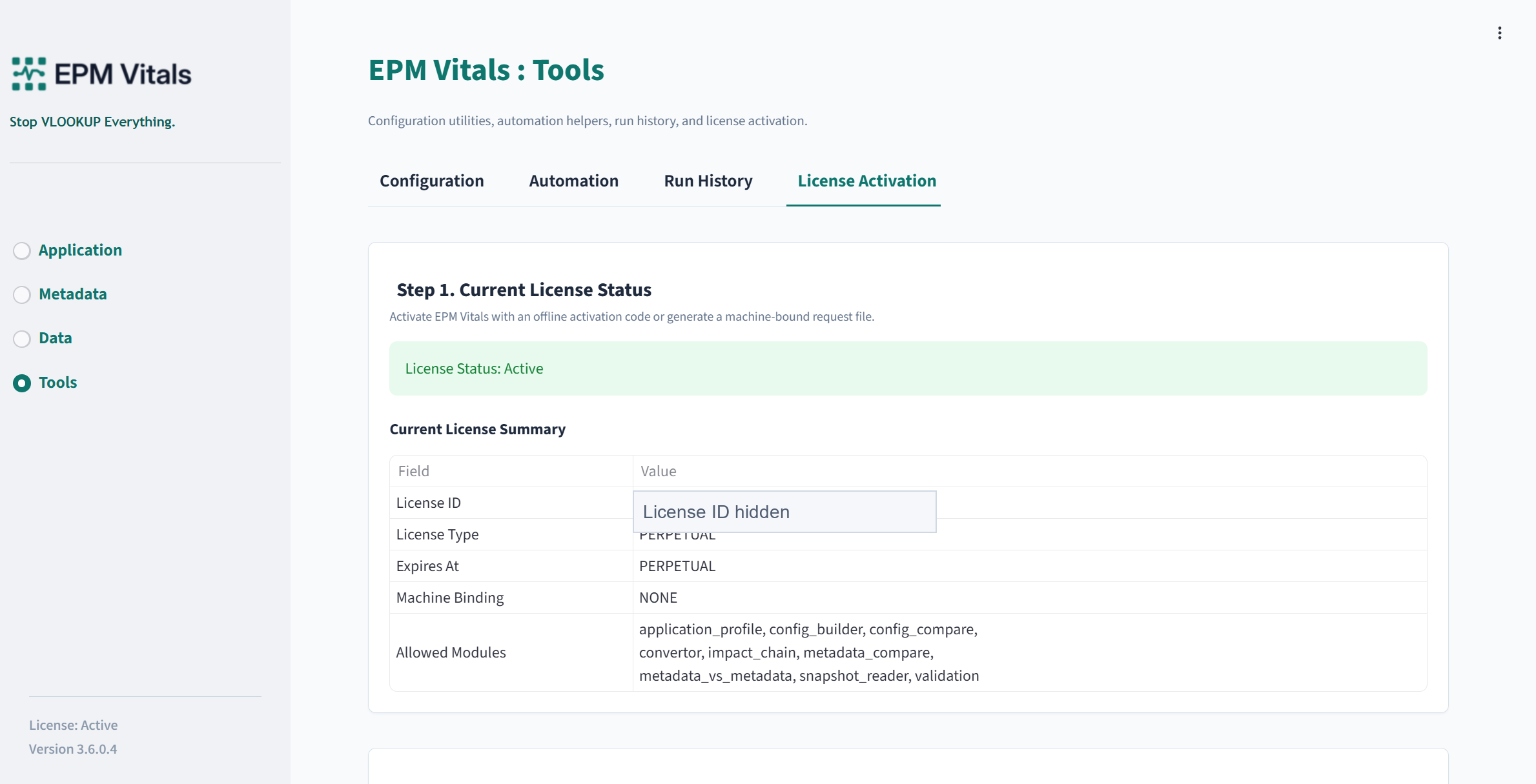
Activation troubleshooting
Troubleshooting:
- If the machine changes, generate a new machine request.
- If a module appears unavailable, confirm that the license includes it.
- If activation fails, provide a screenshot and the non-sensitive activation error to support.